Lesson #1 Installation
In this tutorial we are going to install Unreal Engine 4
To begin, visit Unreal Engine Website and download the launcher. When you download the launcher, you will be prompted to create an account and sign in.
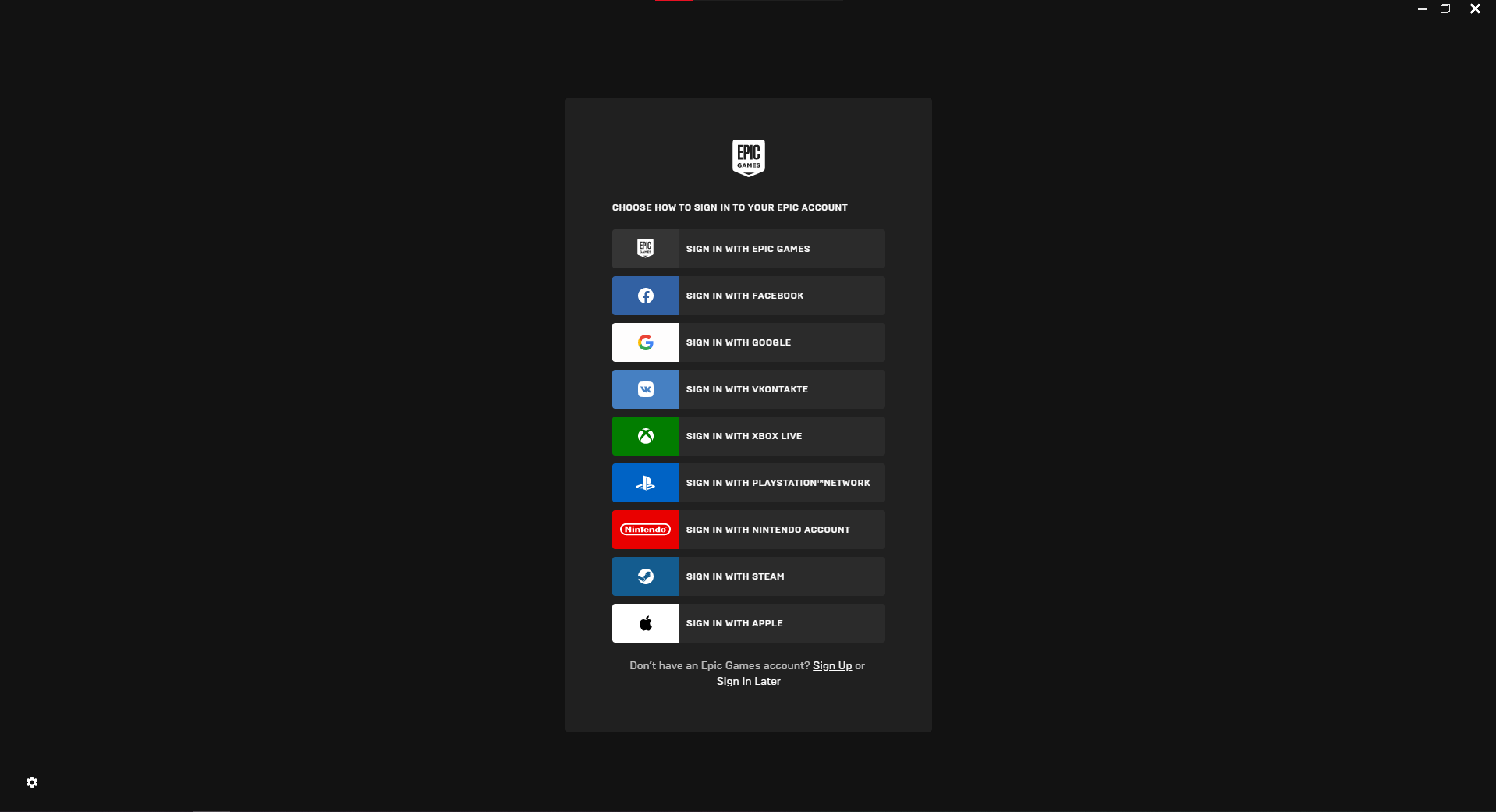
It's the Epic Games official launcher, which some of you may already have. There will be a lot of other things that we will not need. To get started, go to the Unreal Engine tab.

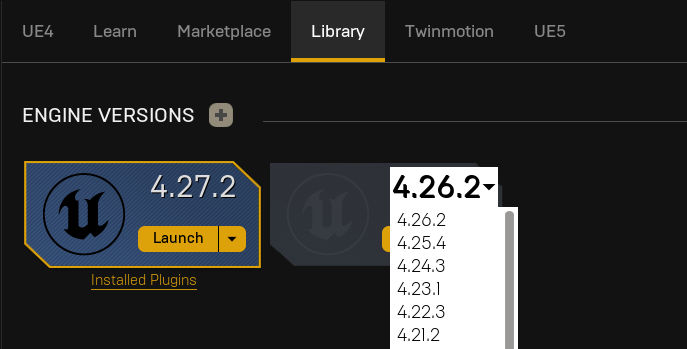
Developers have posted a lot of Unreal Engine content under the main tab. From here, we'll go to the Library tab and choose our version. We'll be using 4.27 for this course, although it's fine if you download newer one.
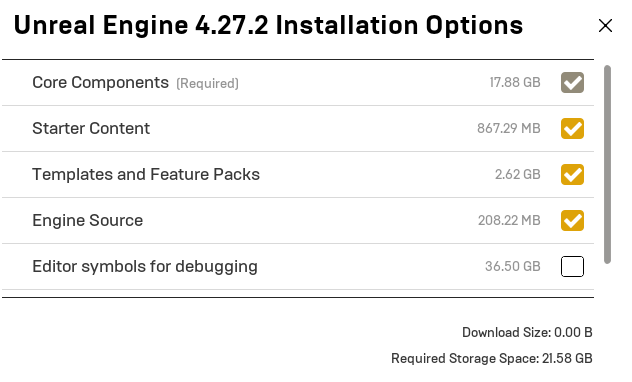
In the installation Options section, you can deselect everything and select all that is shown in the image. (You can install them later on)
Great! Now you have Unreal Engine Installed on your computer. In the next tutorial, we are going to set up our first project in Unreal Engine 4
© 2025 Edward Leks. All rights reserved.