Lesson #2 Project Setup
In this lesson, we are going to set up our Unreal Engine for work.
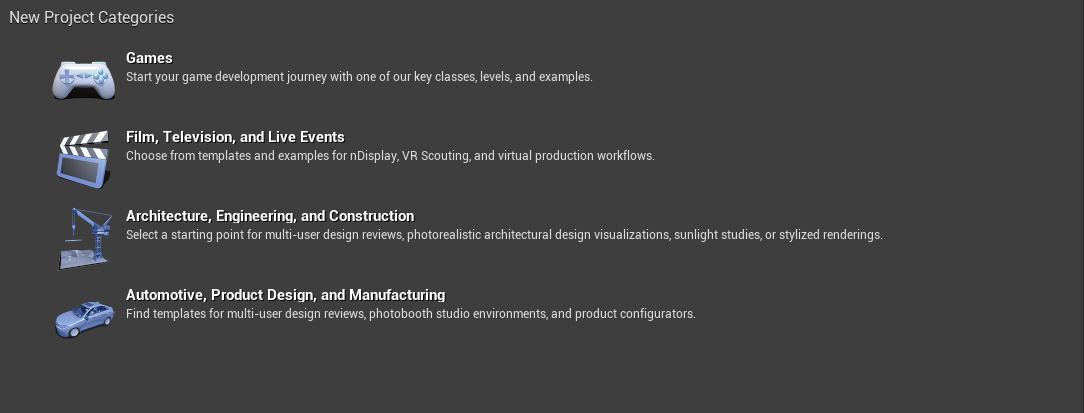
Open Unreal Engine and in the first window click “Games”.
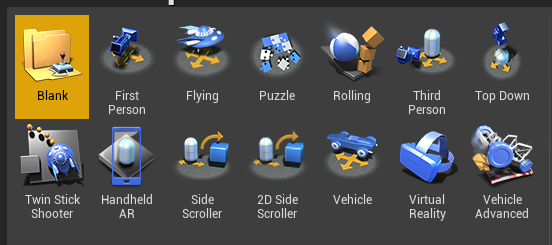
You can select from some of Unreal Engine's starter templates. However, for this course, we will leave it blank.
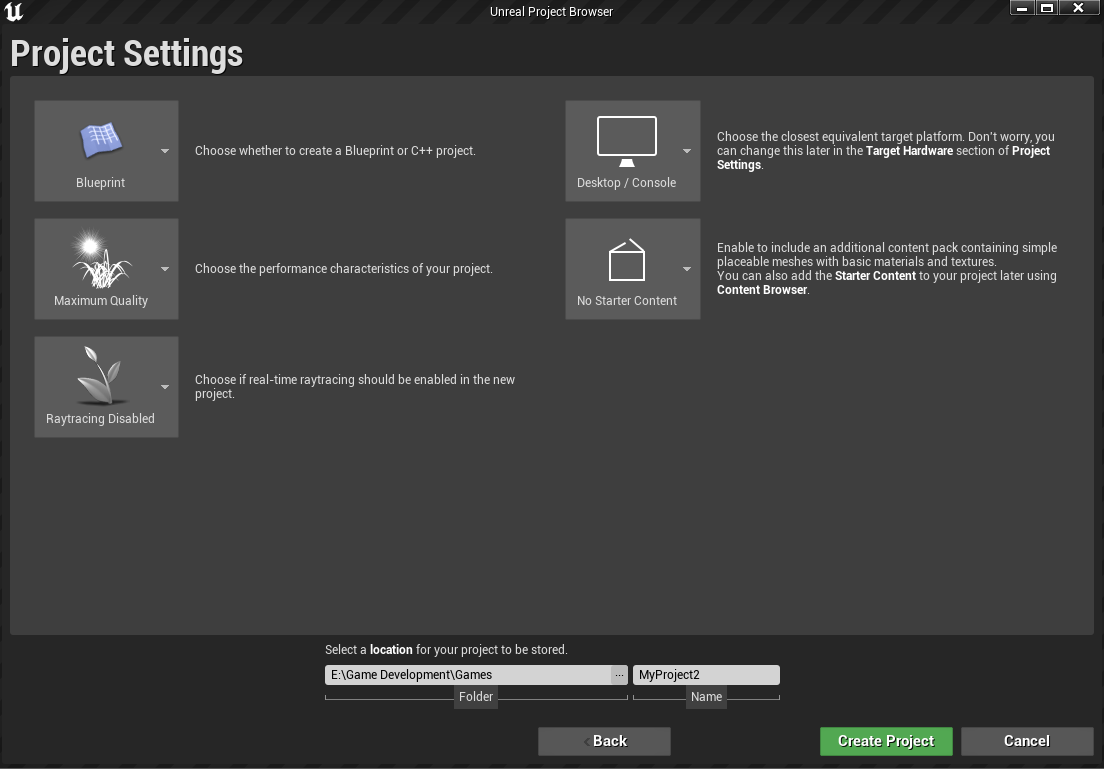
Let's talk about settings now. First and foremost, we will only be working with blueprints, not C++, so select Blueprint from the first dropdown. Because we're making a desktop game, select Maximum quality in the second dropdown. Disable raytracing because we don't need it in the course. Select the "Desktop" platform and disable the Starter content (We will use it later on in this course). Select the location for your project files and click Create.
You now have your project ready to go.
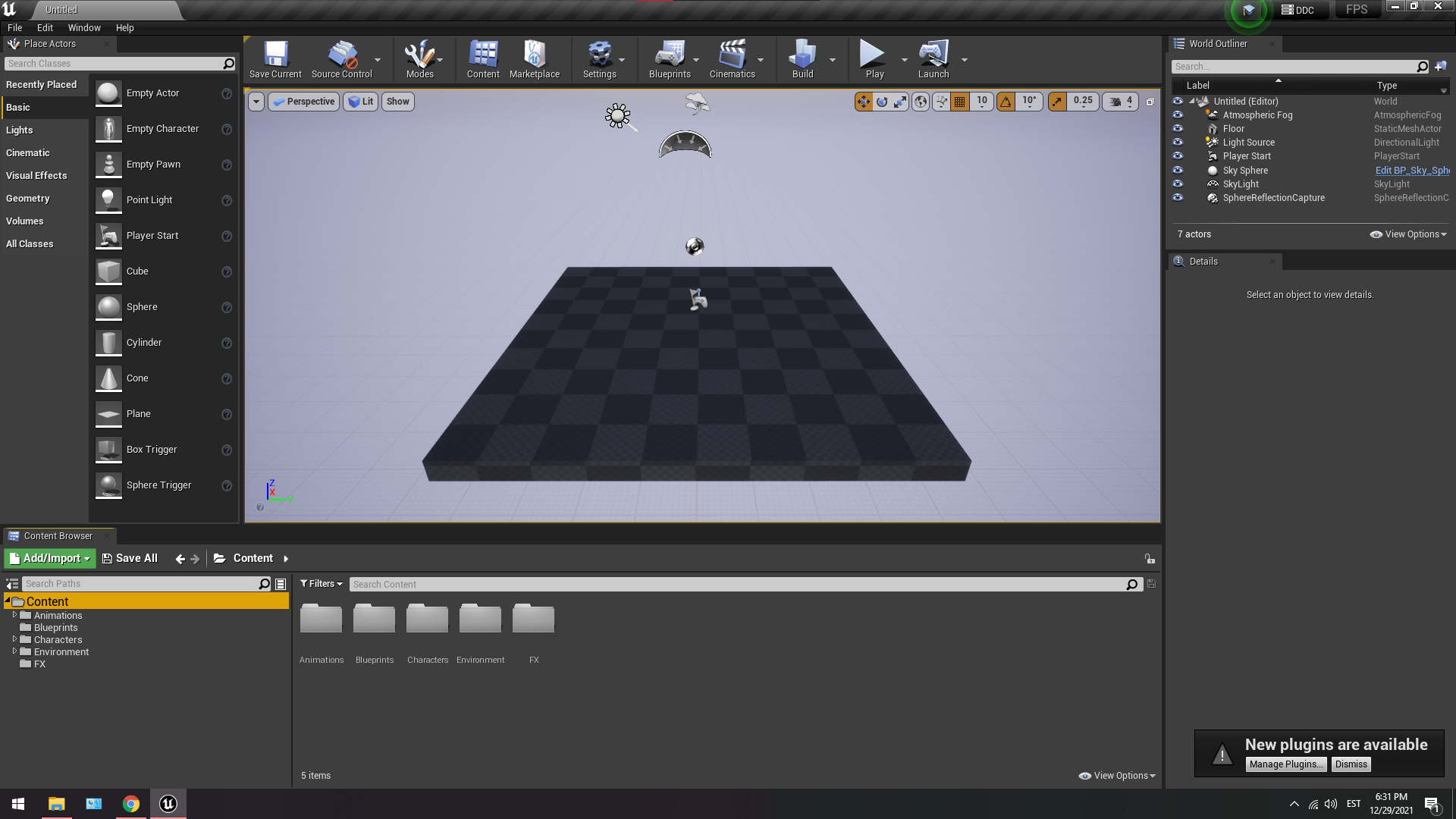
In the following tutorial, we will learn how to use the Unreal Engine Editor.
© 2025 Edward Leks. All rights reserved.