Lesson #5 Lightning
Mobility settings
For light, there are three different mobility settings.
Static - This is the fastest rendering method and is used for baked lighting, but it cannot be changed in game.
Stationary - Lightmass will only bake shadowing and bounced lighting from static geometry, all other lighting will be dynamic.
Movable - the light is completely dynamic and allows for dynamic shadowing. This is the slowest rendering option, but it provides the most flexibility during gameplay.
Lightning Types
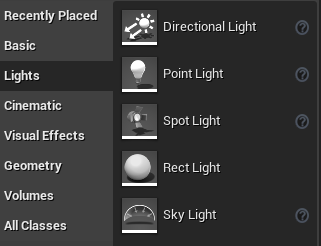
In Unreal Engine 4, there are five different types of lighting. You can find them in the Place Actors window.
Point light
Point Lights work much like a real world light bulb, emitting light in all directions from the light bulb's tungsten filament. However, for the sake of performance, Point Lights are simplified down emitting light equally in all directions from just a single point in space.
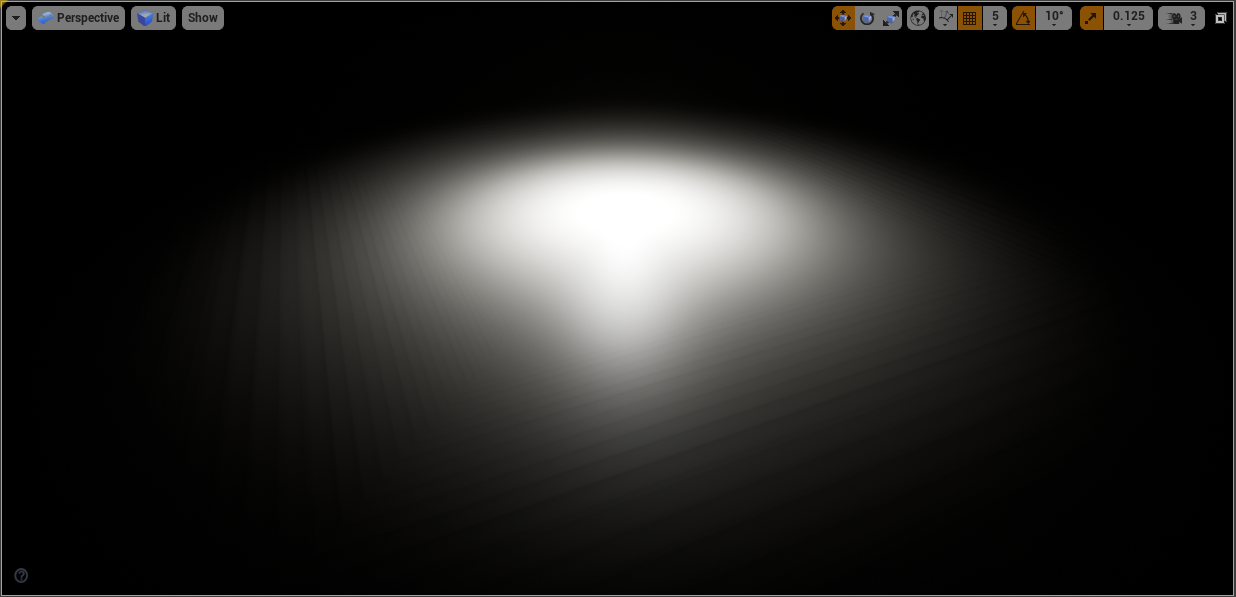
Spot light
A Spot Light emits light from a single point in a cone shape.
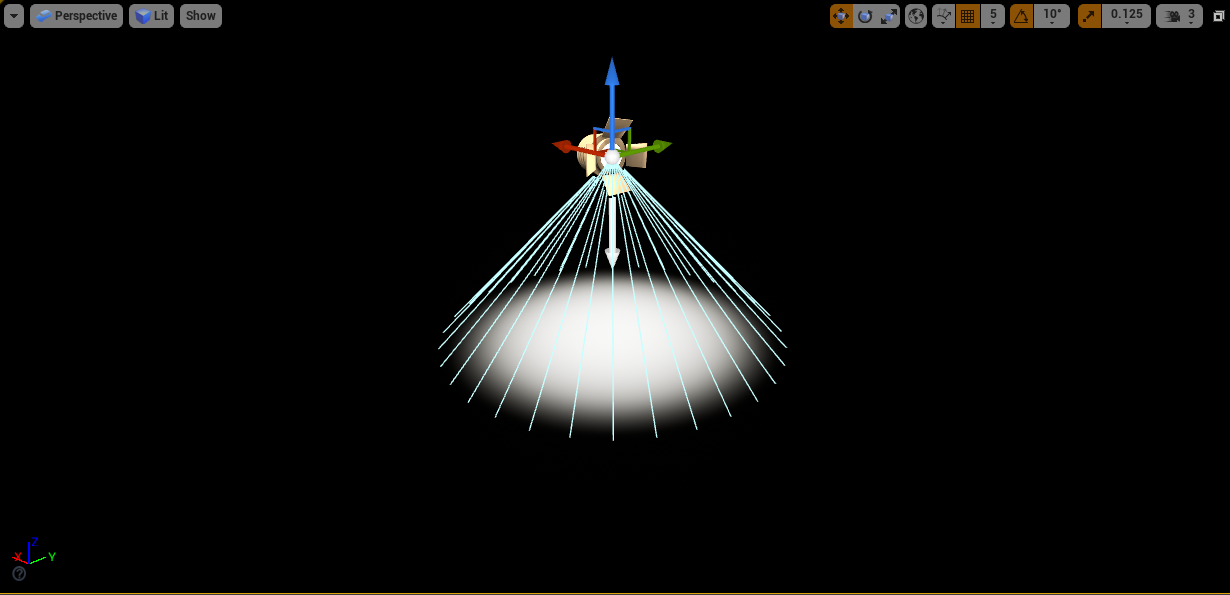
Rect light
The Rect Light emits light into the scene from a rectangular plane with a defined width and height.
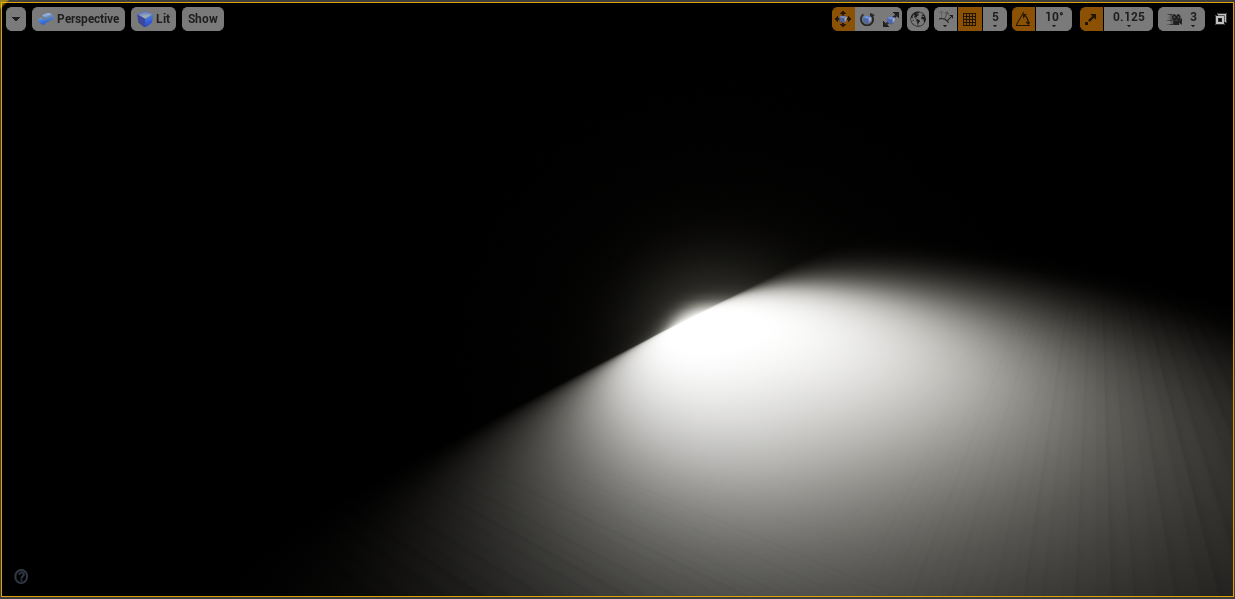
Directional light
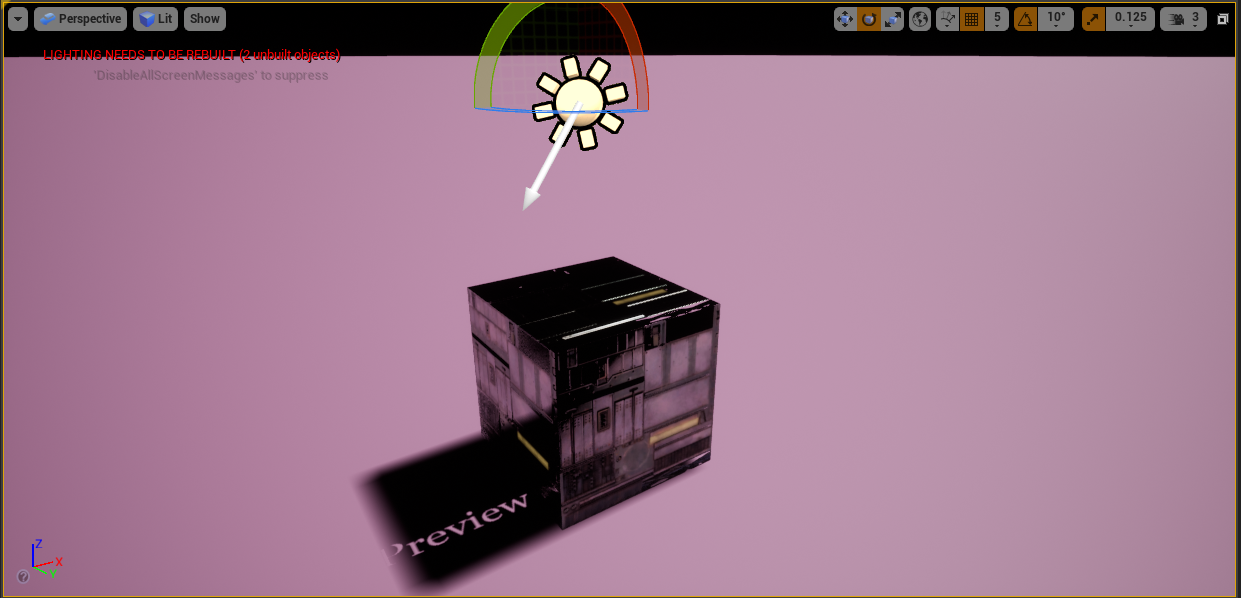
The Directional Light simulates light that is being emitted from a source that is infinitely far away. This light works as sun in real life.
Sky light
The Sky Light captures the distant parts of your level and applies that to the scene as a light. That means the sky's appearance and its lighting/reflections will match, even if your sky is coming from atmosphere, or layered clouds on top of a skybox, or distant mountains. You can also manually specify a cubemap to use.
Sky
What about the sky, though? We can't simply leave it black. We have a sky sphere for this purpose. This is a massive sphere with textures on it. It can be found in the Place actors window. It's worth mentioning that our Polar pack also includes sky spheres.

We also need directional light in our scene for it to work properly. Select your directional light in the Default section by clicking on your sky sphere.
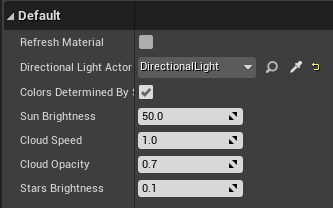
When you turn your directional light, the sky should change as well.
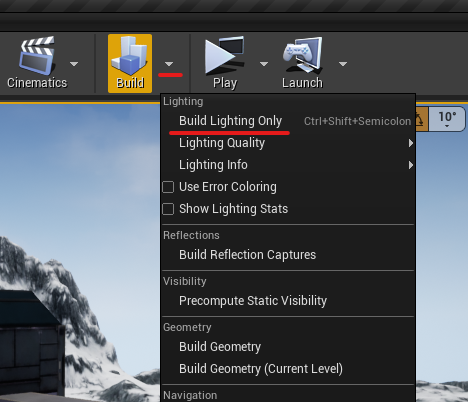
Please keep in mind that once you've turned your light on, you must refresh the material in the same section where you chose your directional light. You must also rebuild your light.
And don’t forget to place Sky light, it will reflect light from sky on surface.
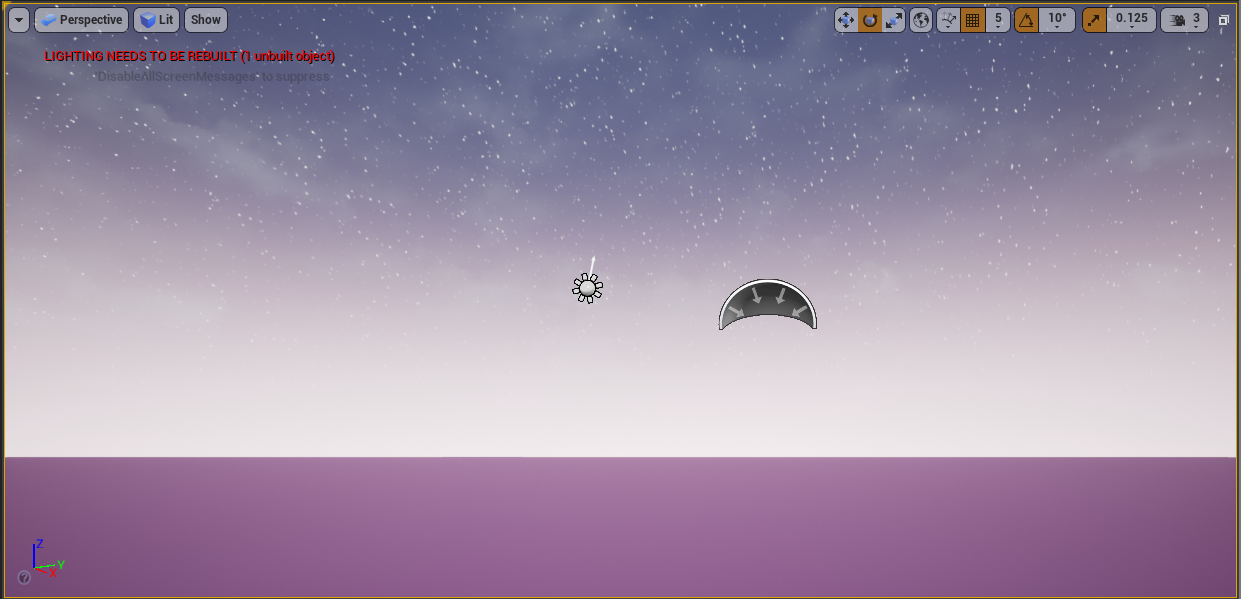
Now you can play with every light type and try different settings. Try placing them in your level. You can find everything about the light settings here
We'll talk about blueprints in the following lesson.
© 2025 Edward Leks. All rights reserved.